


Videolink RTMP 4K 8MP 360X ZOOM Auto ZOOM Tracking IMX415 POE IP Camera Box ONVIF Absolute Move Auto IRIS Hik vision Protocol Cam

We offer 4 configuration options:
4K 20fps 300X ZOOM:4K 20fps 30x optical zoom x 10x digital zoom,total 300x zoom
4K 20fps 360X ZOOM:4K 20fps 36x optical zoom x 10x digital zoom,total 360x zoom
4K 30fps 300X ZOOM:4K 30fps 30x optical zoom x 10x digital zoom,total 300x zoom
4K 30fps 360X ZOOM:4K 30fps 36x optical zoom x 10x digital zoom,total 360x zoom
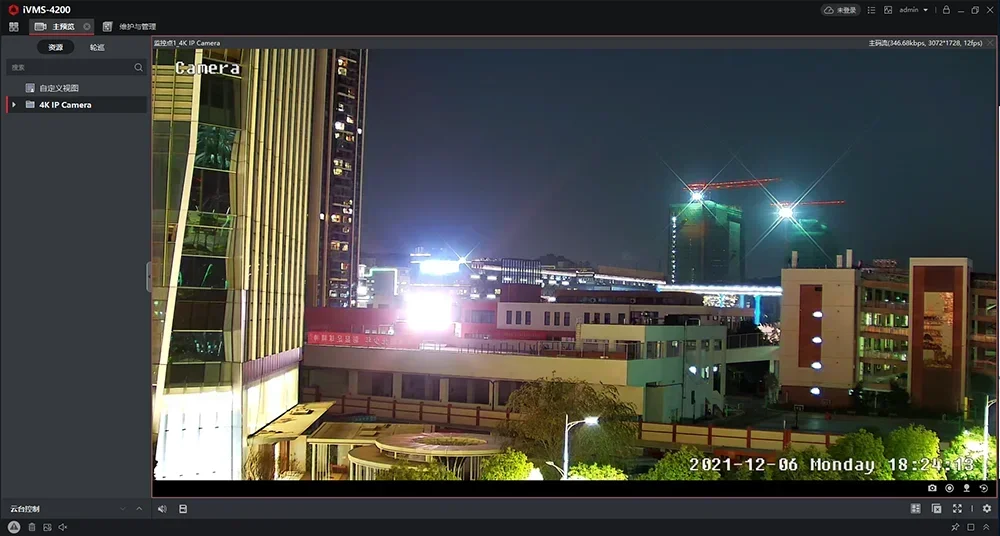
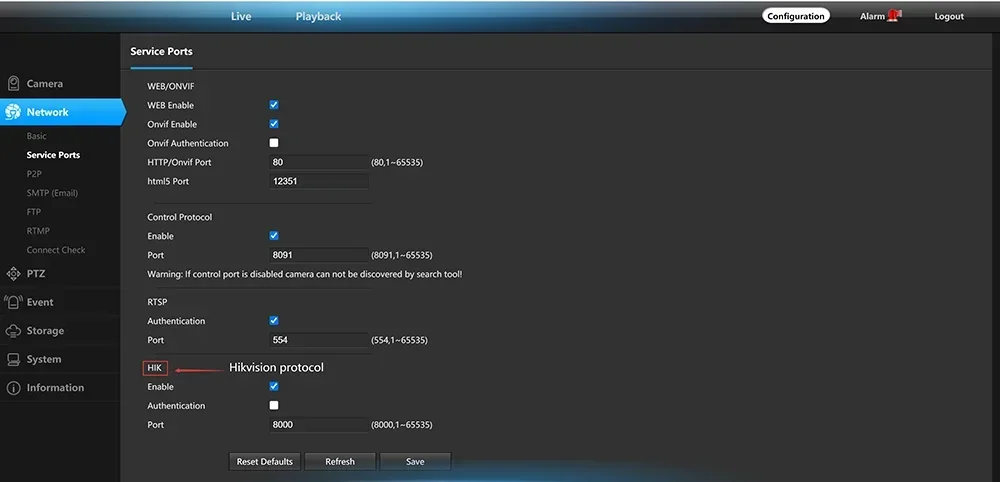
4K 8MP 30fps realtime IP Camera adopts highly integrated MSTAR339+IMX415 processor, extremely low power consumption and strong stability; supports H.265 compression algorithm to ensure image quality while effectively reducing network bandwidth occupation; powerful network function, support standard Support Hik vision protocol, and compatible with iVMS-4200, support RTSP, RTMP and other protocols, support alarm picture upload FTP server, alarm picture to E-Mail, support mobile phone remote monitoring;
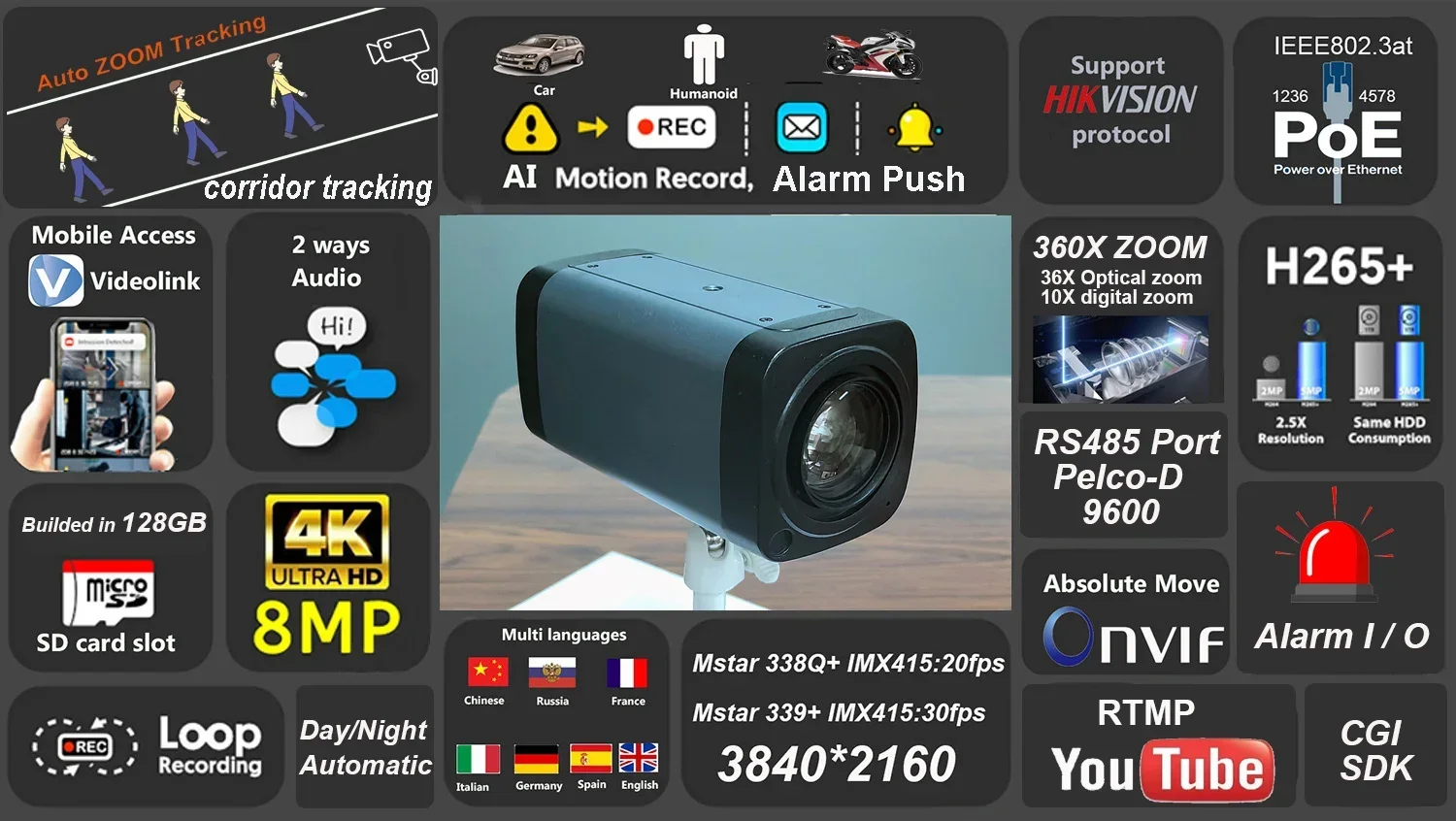
Support Corridor auto zoom tracking:

Corridor auto zoom tracking Demo:

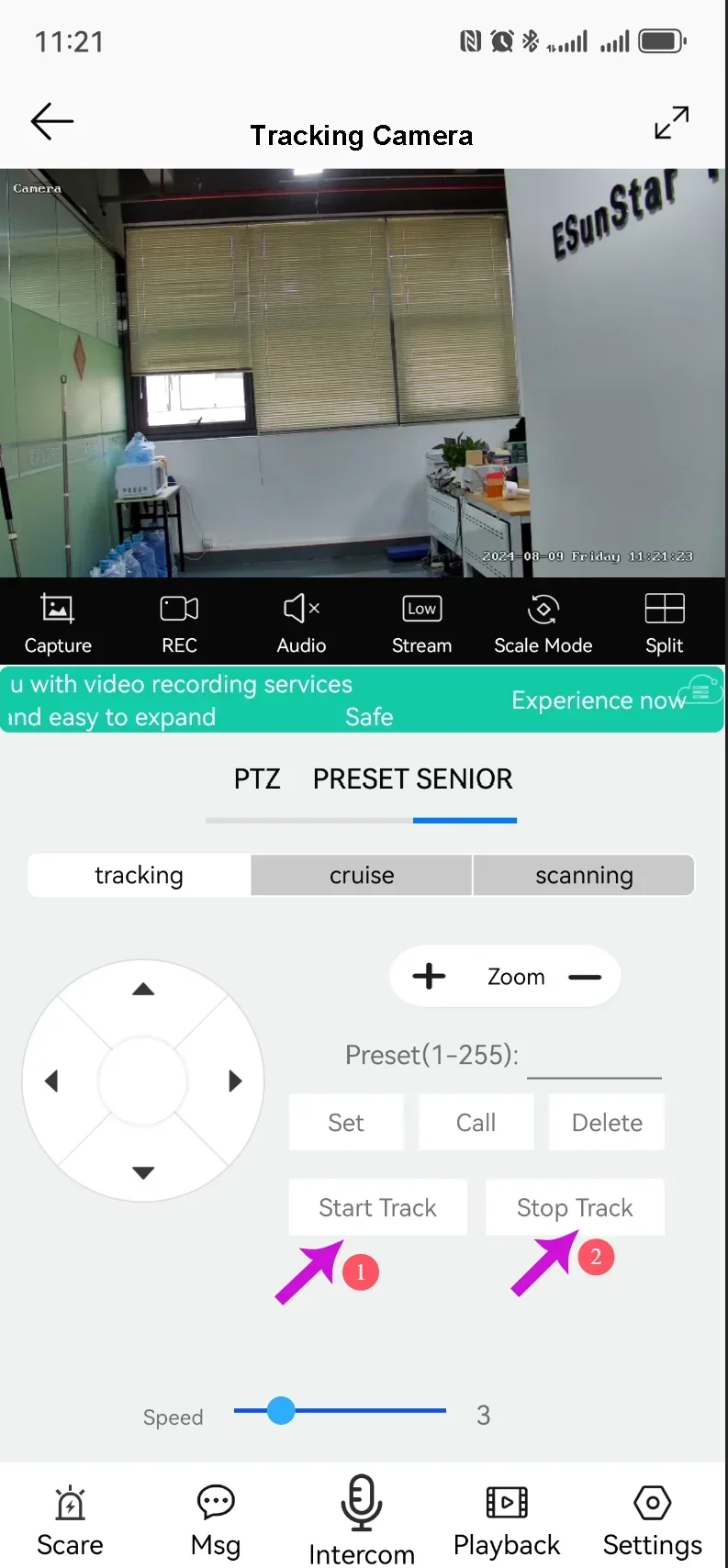
Button 1 for Turn on Corridor mode tracking
Button 2 for Turn off Corridor mode tracking
254+call for turn on auto zoom tracking
254+set for turn off auto zoom tracking
|
Model:YM800GP-30-360X-A |
|
|
Operating system |
embedded LINUX |
|
Main processor |
MSTAR339 for 4K 30fps /338Q for 4K 20fps |
|
Image Sensor |
SONY IMX415 1/2.8" Ultra Low Illumination CMOS Sensor |
|
Day and night mode |
Support |
|
Compression standard |
|
|
Compression standard |
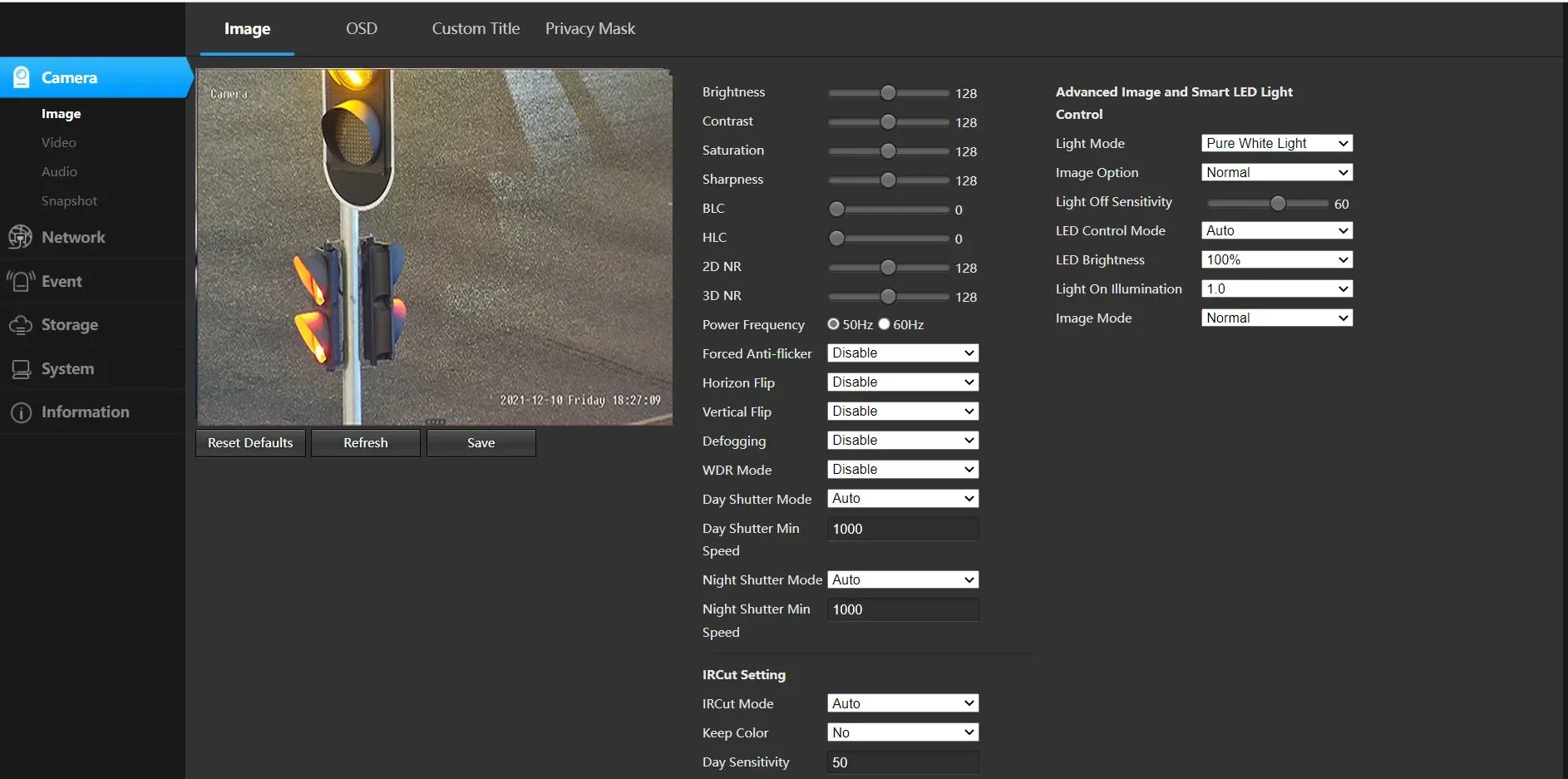
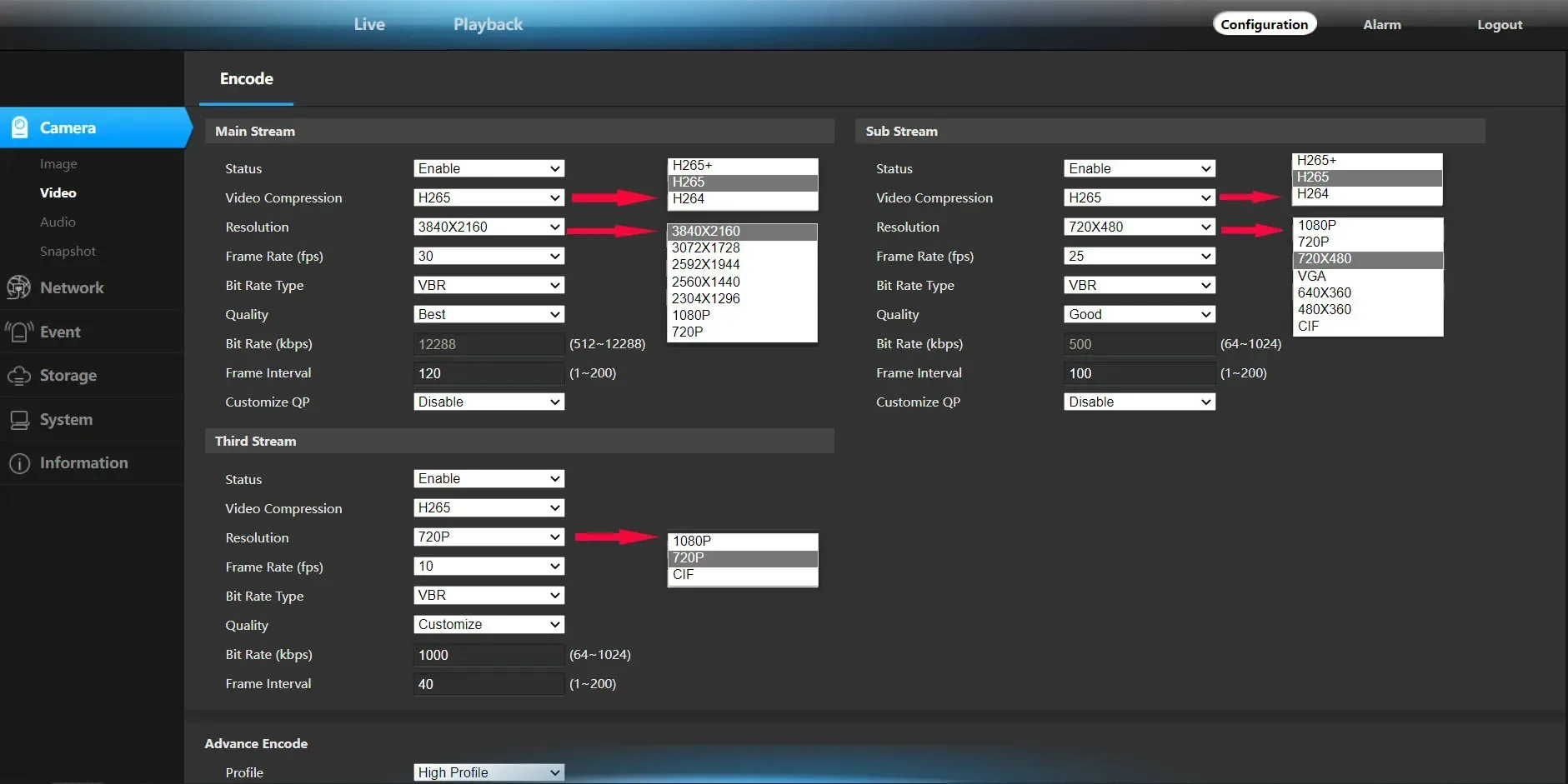
Video compression algorithm supports H.265+H.265, H.264 High Profile, H.264 Main Profile and H.264 Baseline |
|
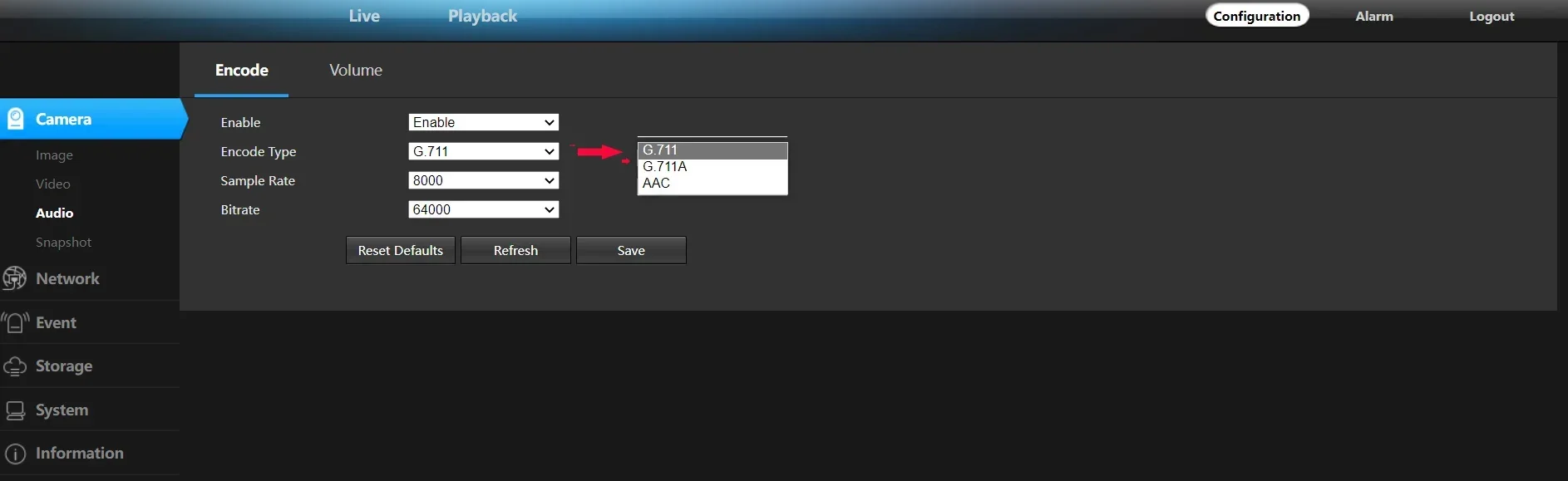
Audio compression algorithm |
G.726/G.711/ACC |
|
Compressed transport stream |
512Kbps-12288bps, can be customized, |
|
Images |
|
|
Maximum image size |
8MP (3840*2160) |
|
Sharpness Special function |
First stream:4K(3840*2160),3072*1728, 2592*1944,2560*1440,2304*1296,1080P,720P support fog function, support WDR, HDR. Support strong light suppression function. |
|
Second stream:1080P ,720P 720*480,VGA,640*360,480*360,CIF |
|
|
Video frame rate |
8mp 30fps;3072*1728,2592*1944,2560*1440,2304*1296 30fps;1080P,720P 60fps |
|
Character overlay |
Support OSD name,time and date information overlay |
|
Image settings |
Brightness, contrast, saturation, exposure, up and down reverse, left and right mirroring adjustable |
|
Network Function |
|
|
Storage function |
Max support 512GB SD Card (Need to purchase an SD card by oneself) |
|
Motion detection |
Four independent detection areas can be set (sensitivity 1-100 can be set) |
|
Alarm linkage |
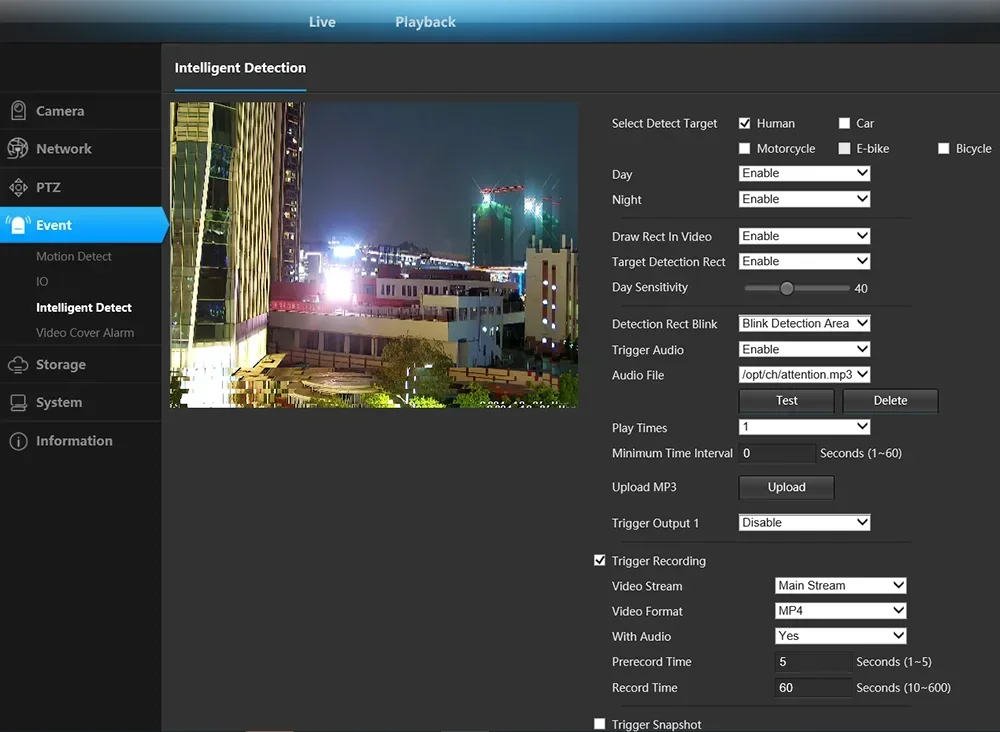
alarm sends the picture to the specified mailbox; the alarm uploads the picture and the video is uploaded to the FTP server; |
|
Network Protocol |
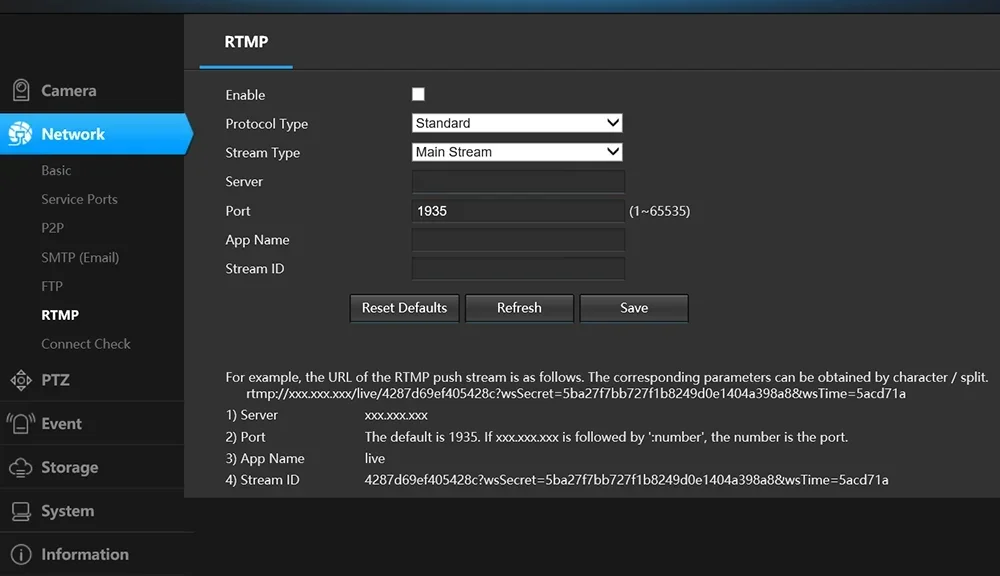
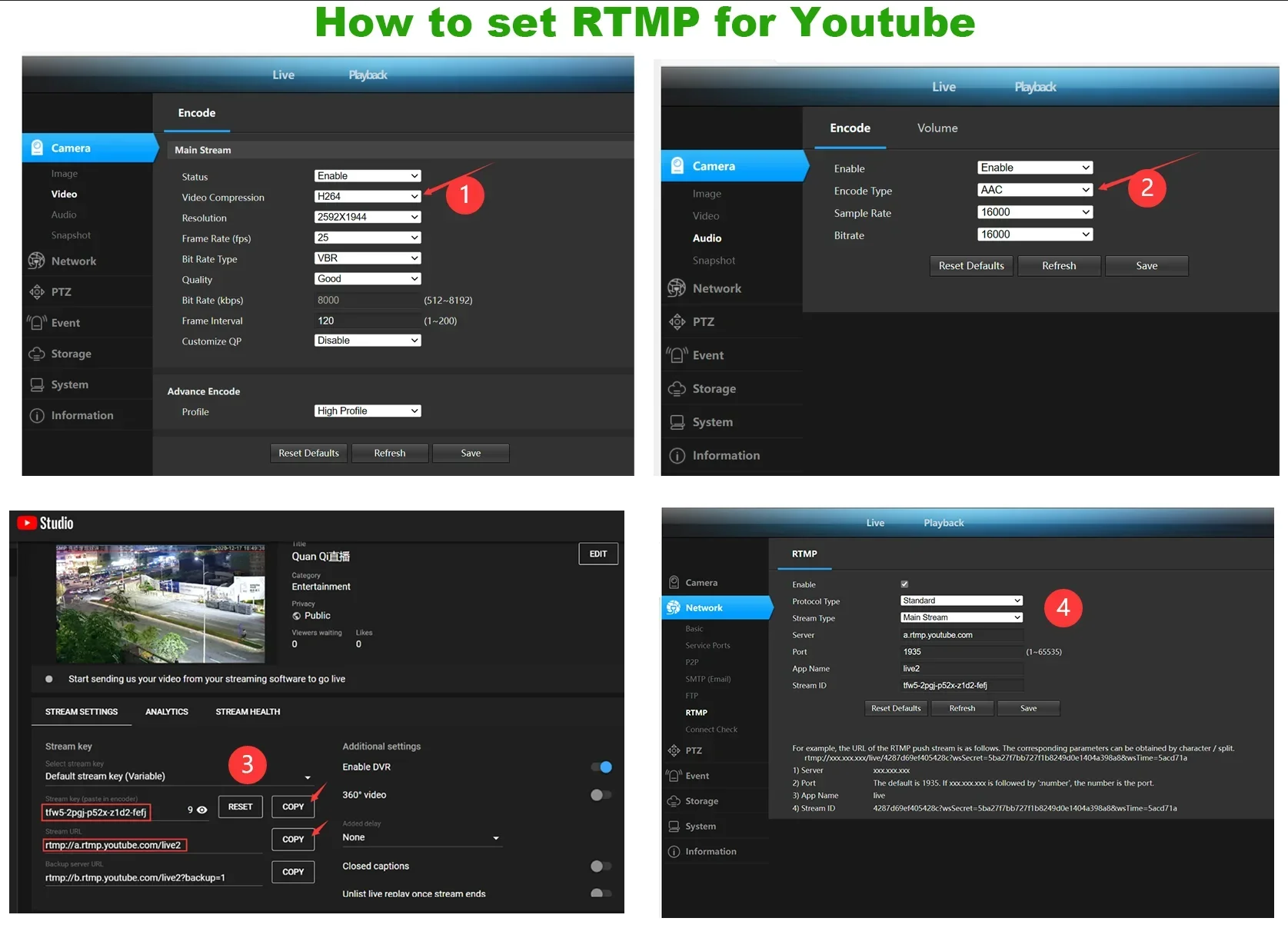
Supports TCP/IP, HTTP, TCP, ICMP, UDP, ARP, IGMP, SMTP, FTP, DHCP, DNS, DDNS, NTP, UPNP, RTSP,RTMP. |
|
Access Protocol |
Supports ONVIF 2.4 Protocol |
|
Interface |
|
|
Audio input |
support External MIC |
|
Audio output |
External speaker |
|
LAN interface |
RJ45 10Base-T/100Base-TX, |
|
|
|
|
IR night distance |
Support external supplementary lighting. |
|
LEN |
300X/360X ZOOM (30X/36x optics zoom,4.4-129mm ,and support 10x digital zoom) |
|
waterproof level |
indoor |
|
Onvif |
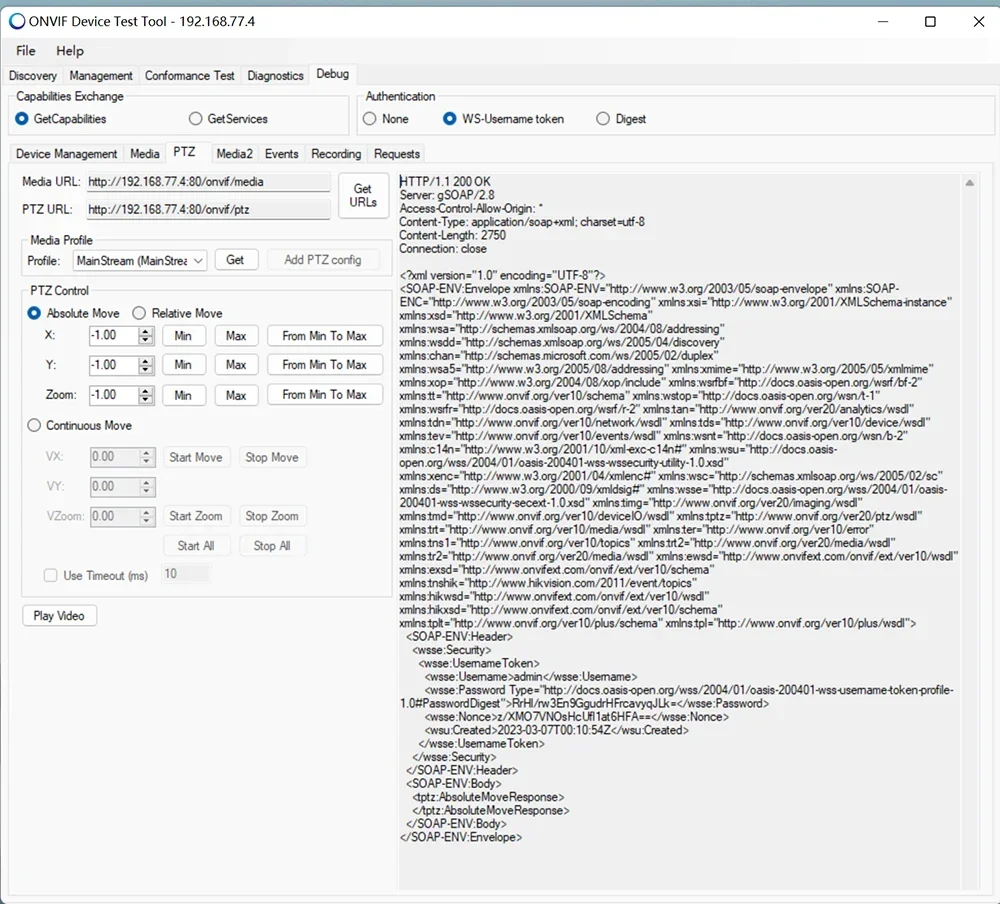
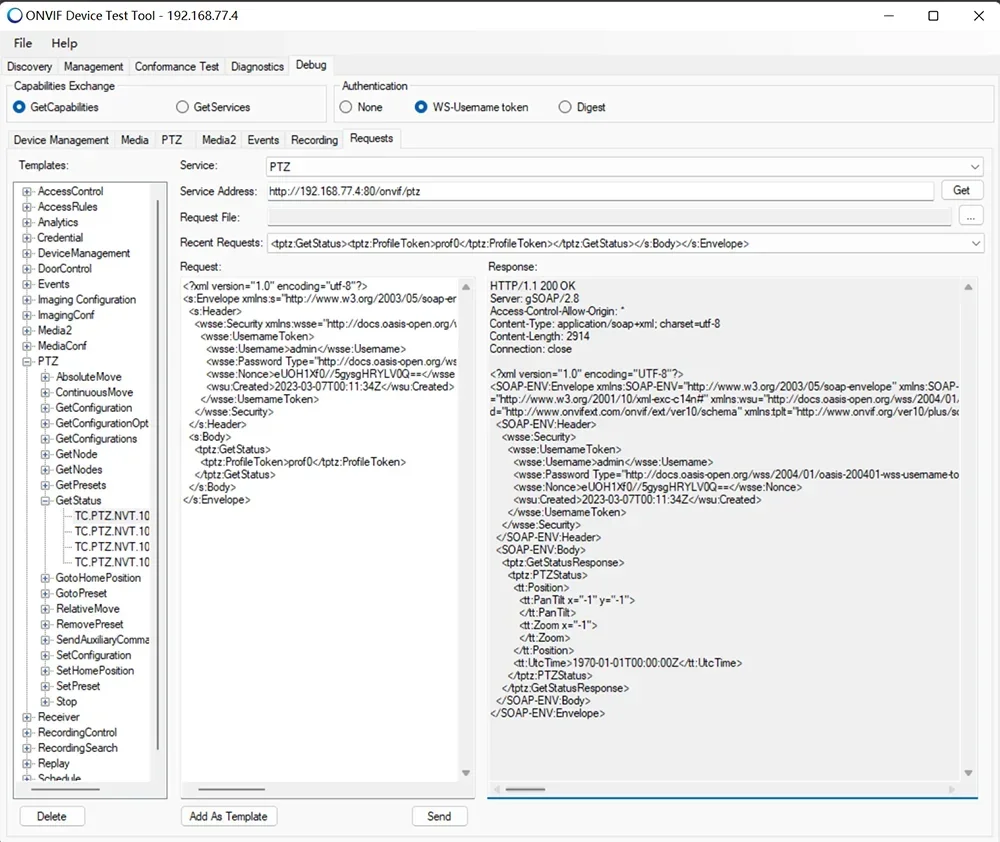
Onvif Profile-S,Profile-T(Absolute Move) |
|
Working temperature |
-40 to +85 Celsius |
|
power |
POE (Excluding power supply) |
|
Working Humidity |
-10-95% |
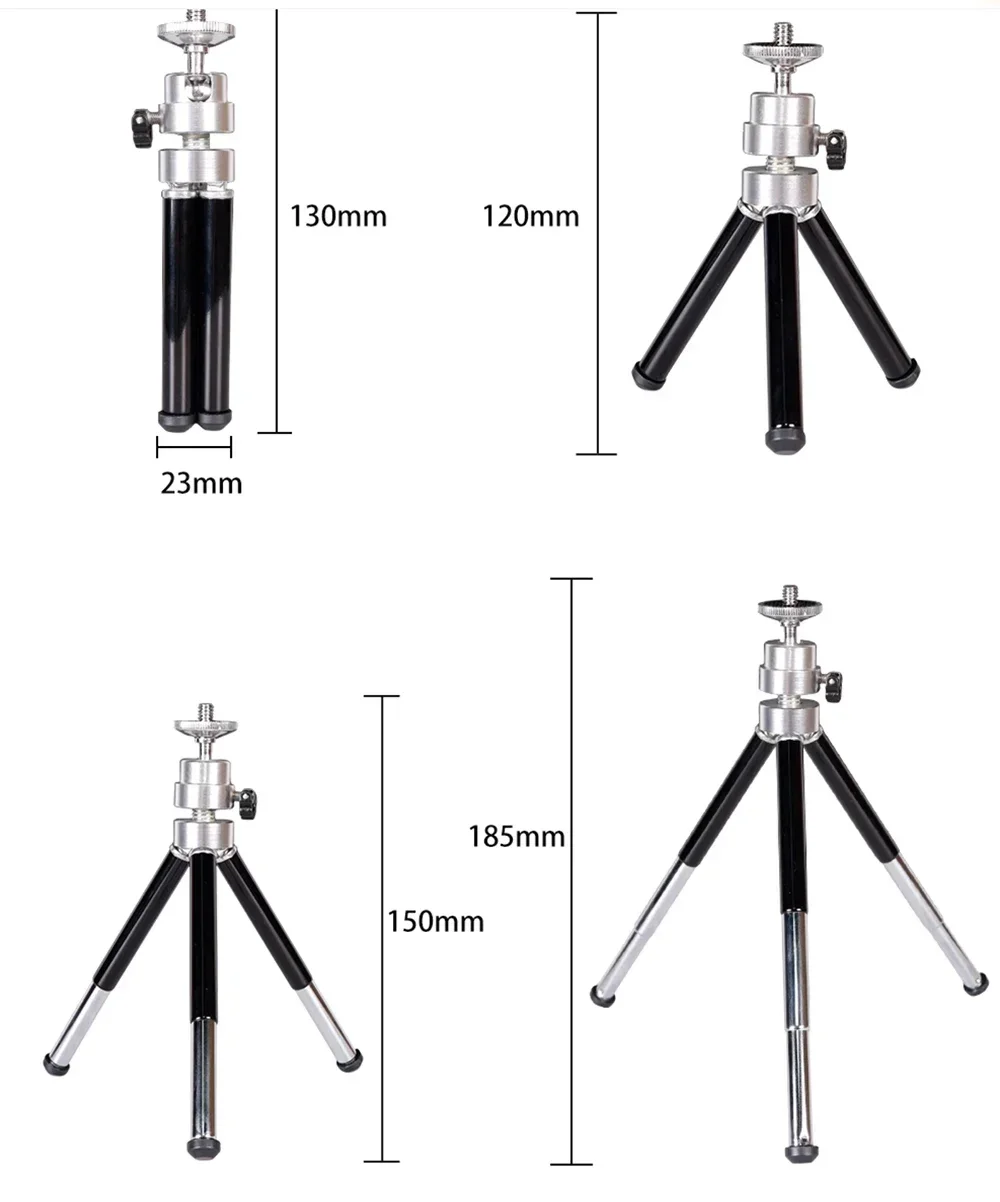
 Three adjustable sections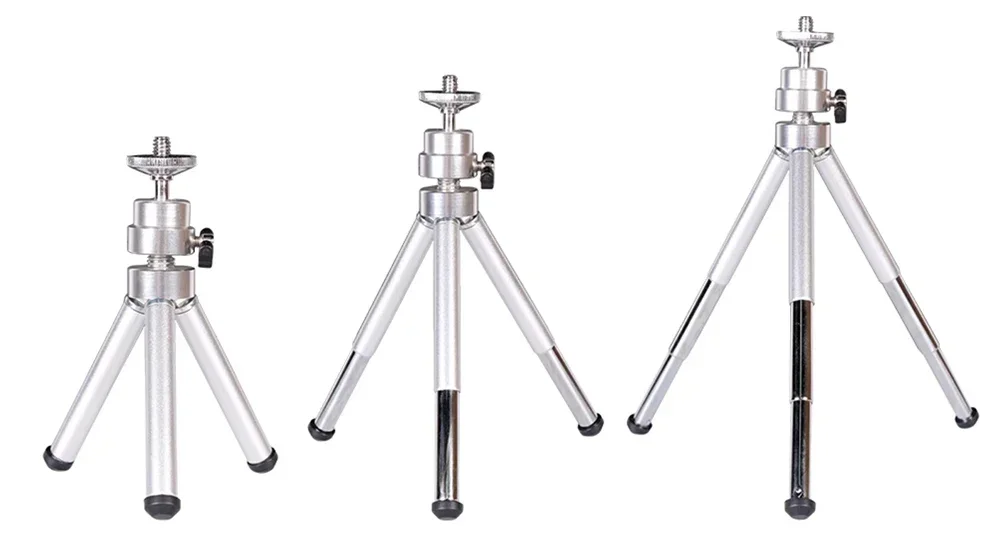

Support rich function settings:
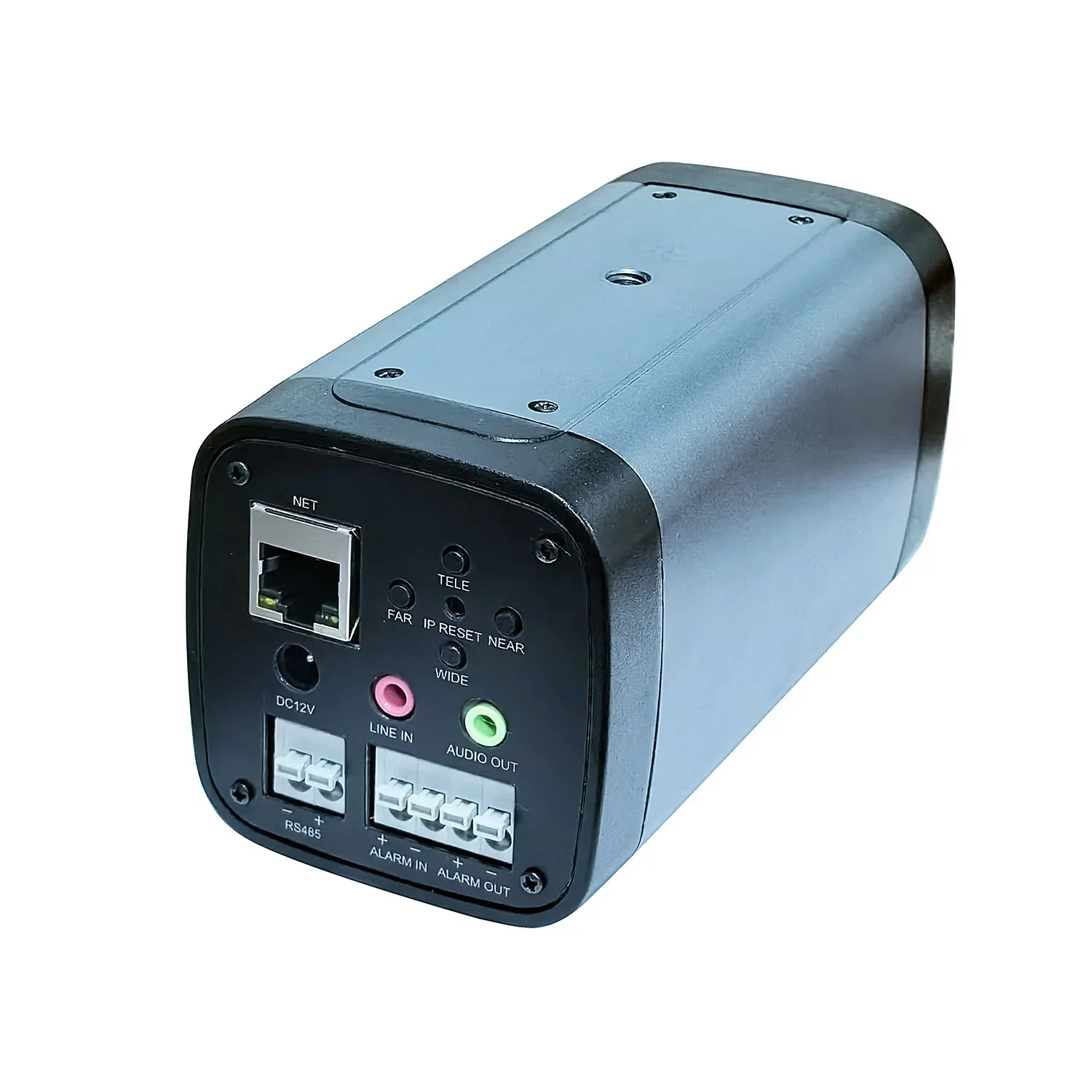
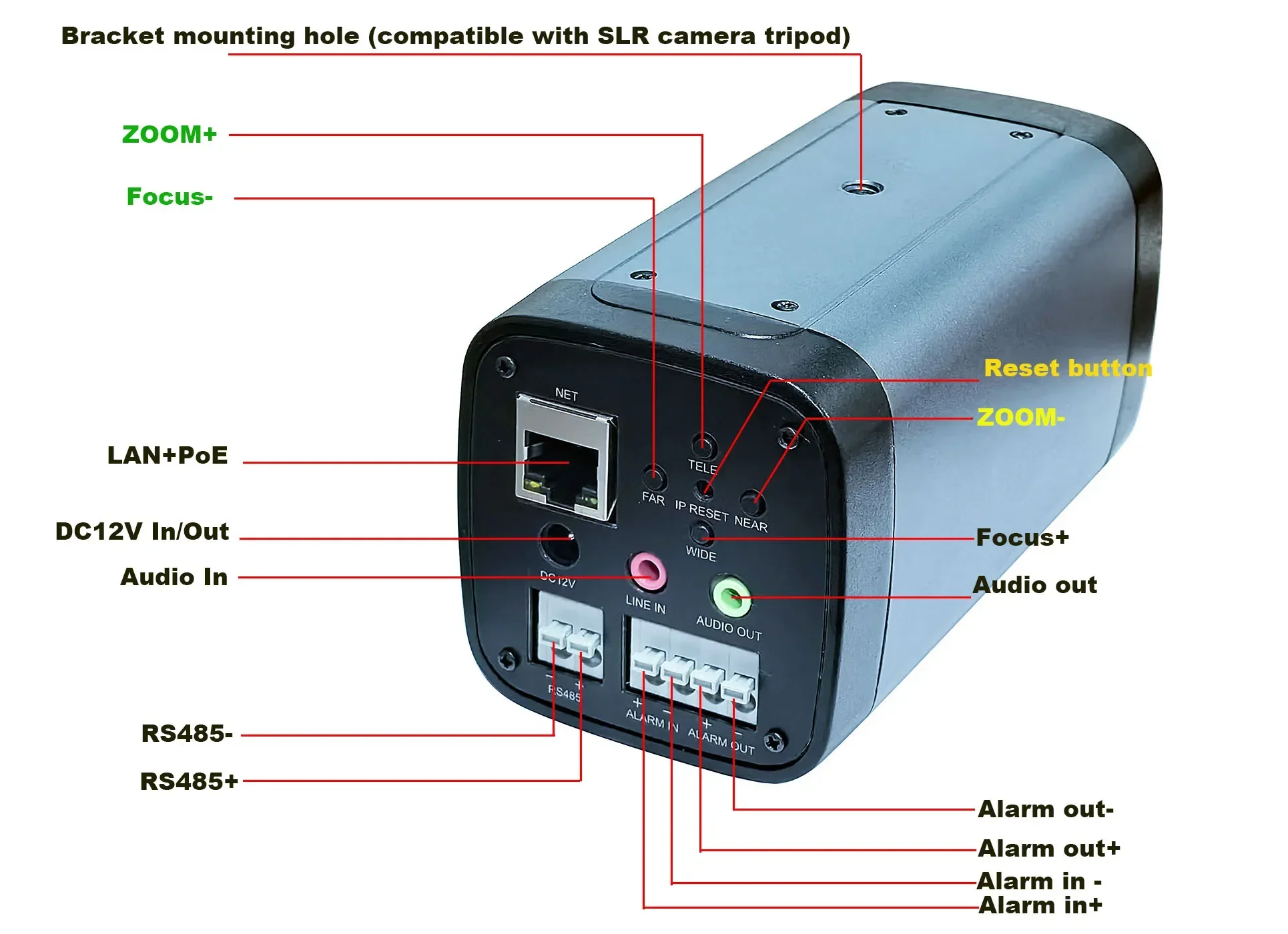 This camera can directly control the Zoom function of the camera on the control panel. As shown in the above figure.
1,When the camera is connected to the LAN port through an Ethernet cable, the DC12V port can provide 12V power to other devices.
2. If you have not used POE to power the camera, you can still use an independent 12V power supply to power the camera.
3. RS485 port provides a PT control protocol, protocol name: PELCO-D, baud rate: 9600, address code: 1
4. Alarm interface:
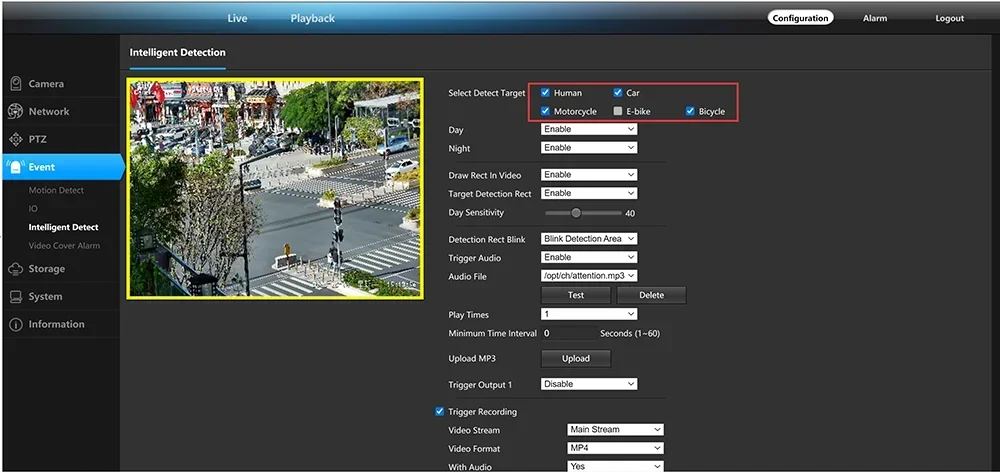
When the Alarm+and Alarm - are short circuited, an alarm input will be triggered. The camera supports alarm recording, alarm photography, and also supports alarm linkage preset positions. When the camera triggers an alarm, the alarm output port will output a switch signal (built-in relay)
5. Line IN is the microphone input port,
which can record sound by inserting a passive or active microphone. AUDIO OUT is the speaker output, which requires an external active speaker to achieve intercom function.

Add the camera to the mobile app
1. Scan the QR code in Figure 1 to download a
mobile app called videolink and install it on your phone.

2.Remove the product from the packaging box and insert an Ethernet cable that supports POE. After connection, the network data indicator light will flash continuously, indicating that the camera is starting to start. After waiting for the startup to complete (approximately 30 seconds of startup time), as shown in Figure 2
3. Start the videolink app on your phone,register an account (using an email address), then log in to the account and
click on add camera, as shown in Figures 3 and 4:
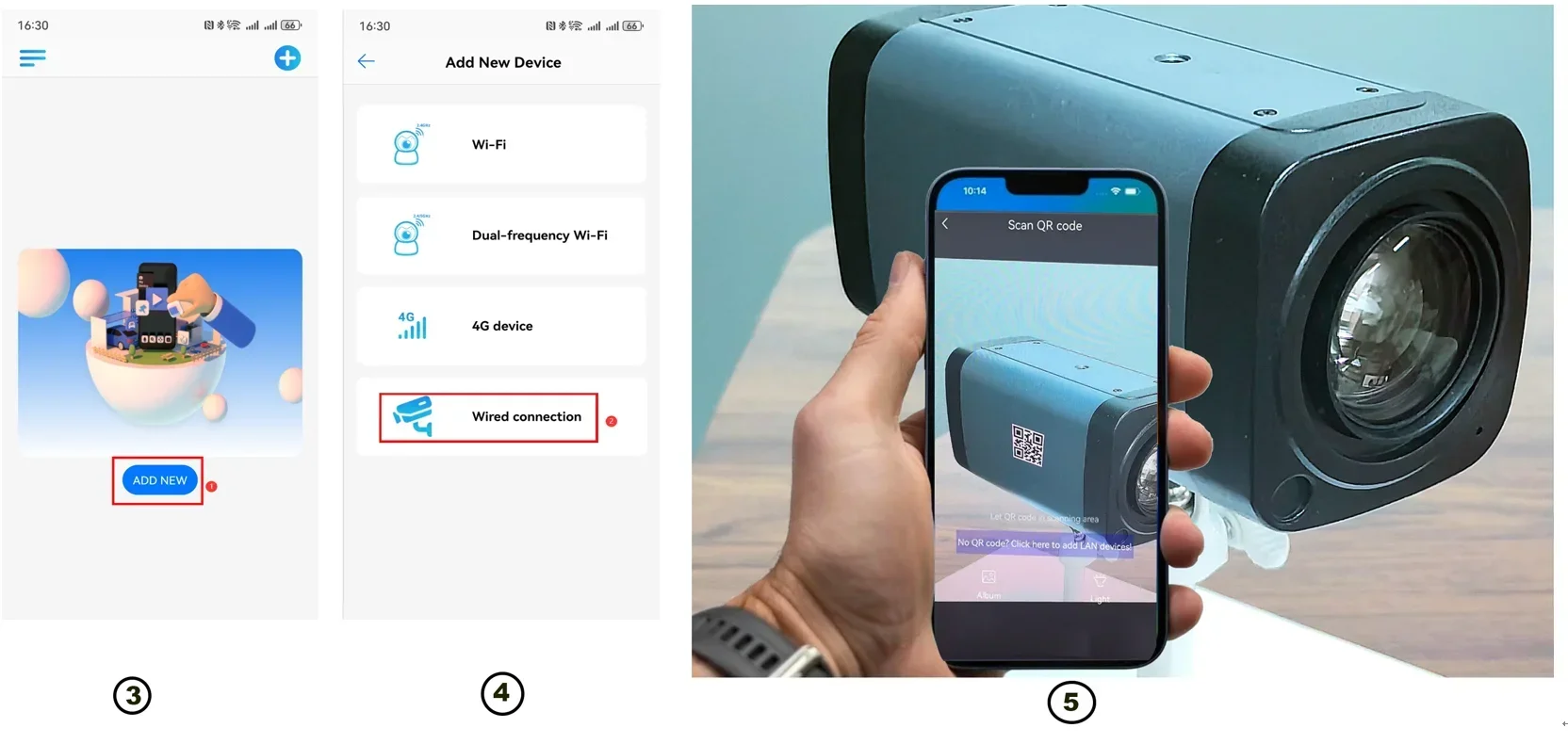
4. Align the phone camera with the QR code on the camera, and the phone will automatically scan the QR code to complete the addition of the camera, as shown in Figure 5.
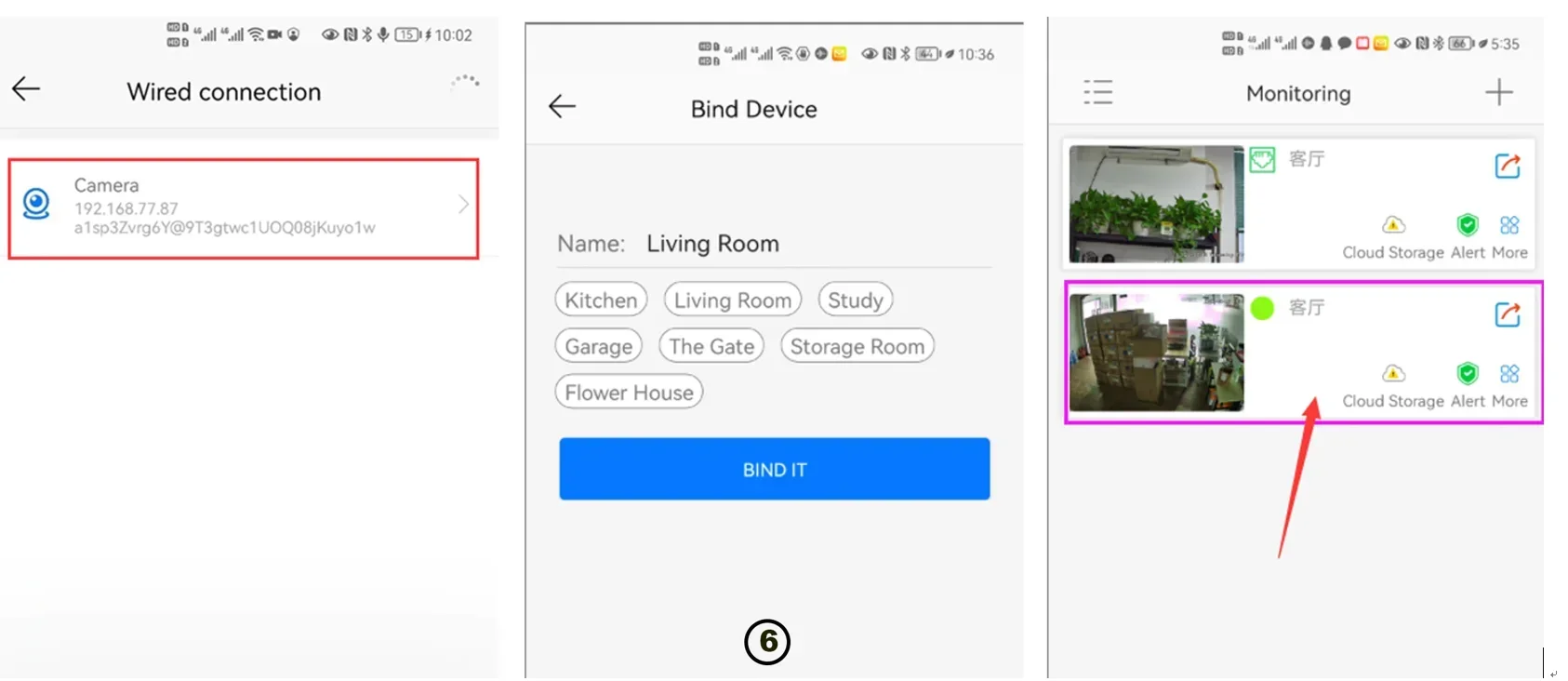
5. Complete the camera addition, as shown in Figure 6.
Support ONVIF Absolute Move
Package list:
1x 360x zoom 4K POE IP Camera
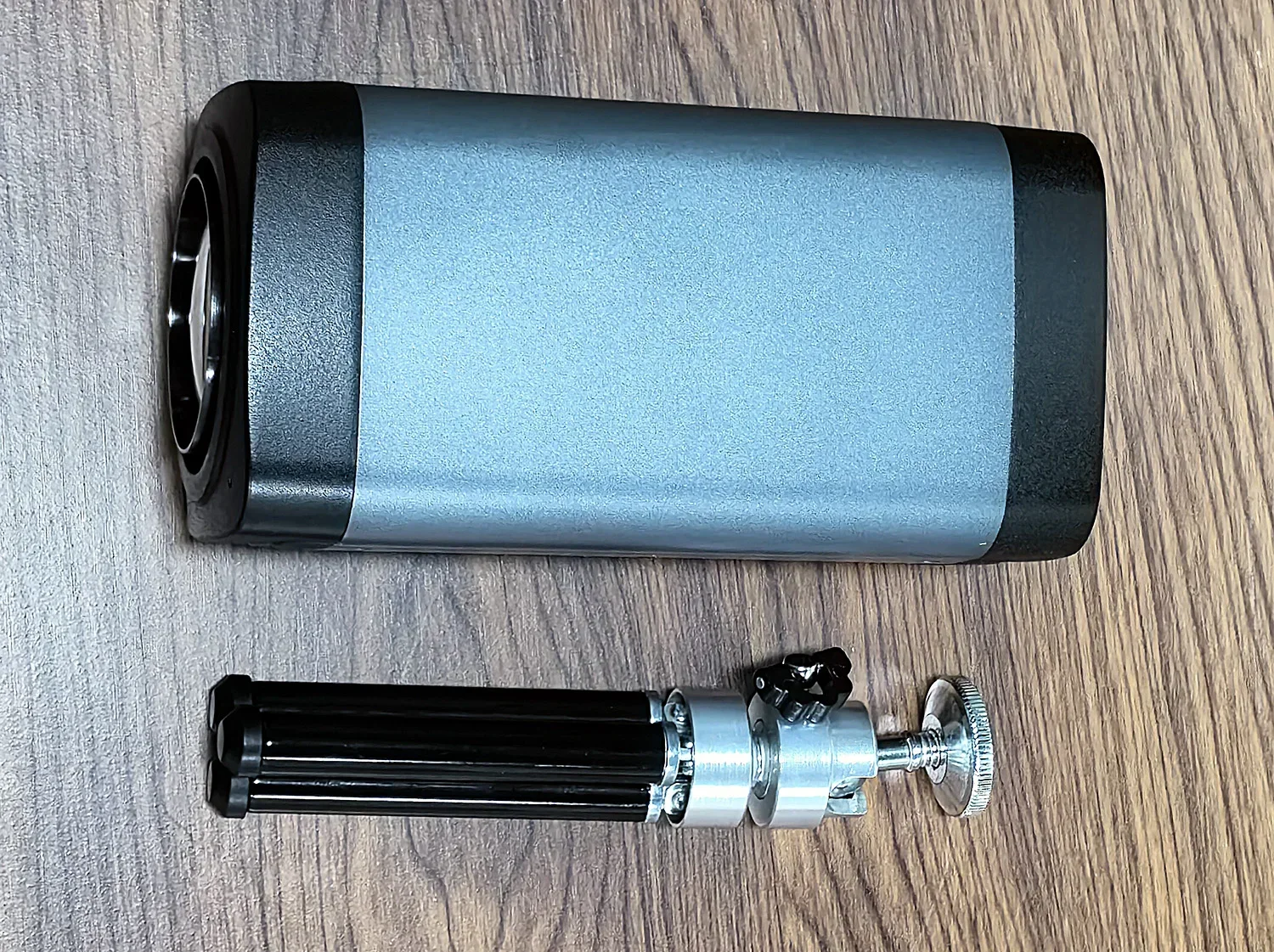
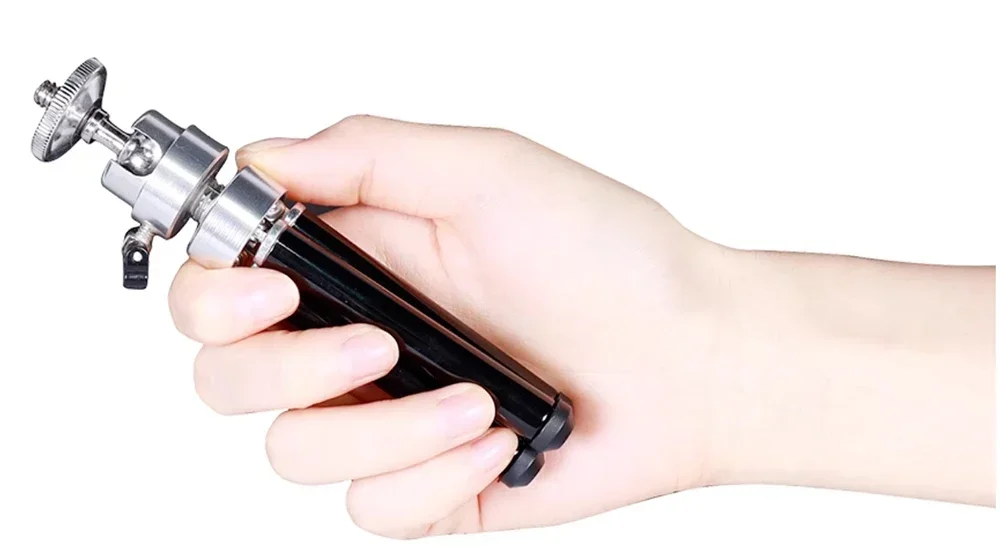
1x Bracket
1x connection cable


